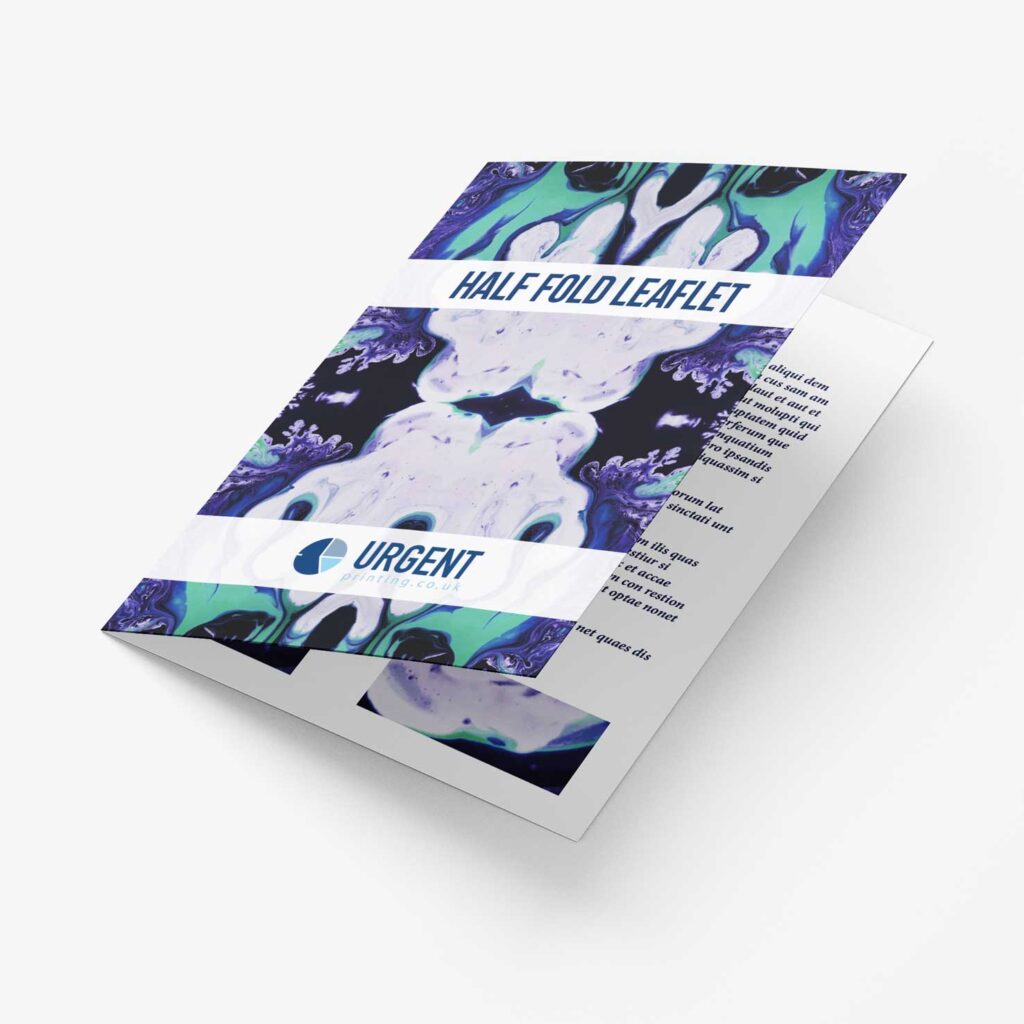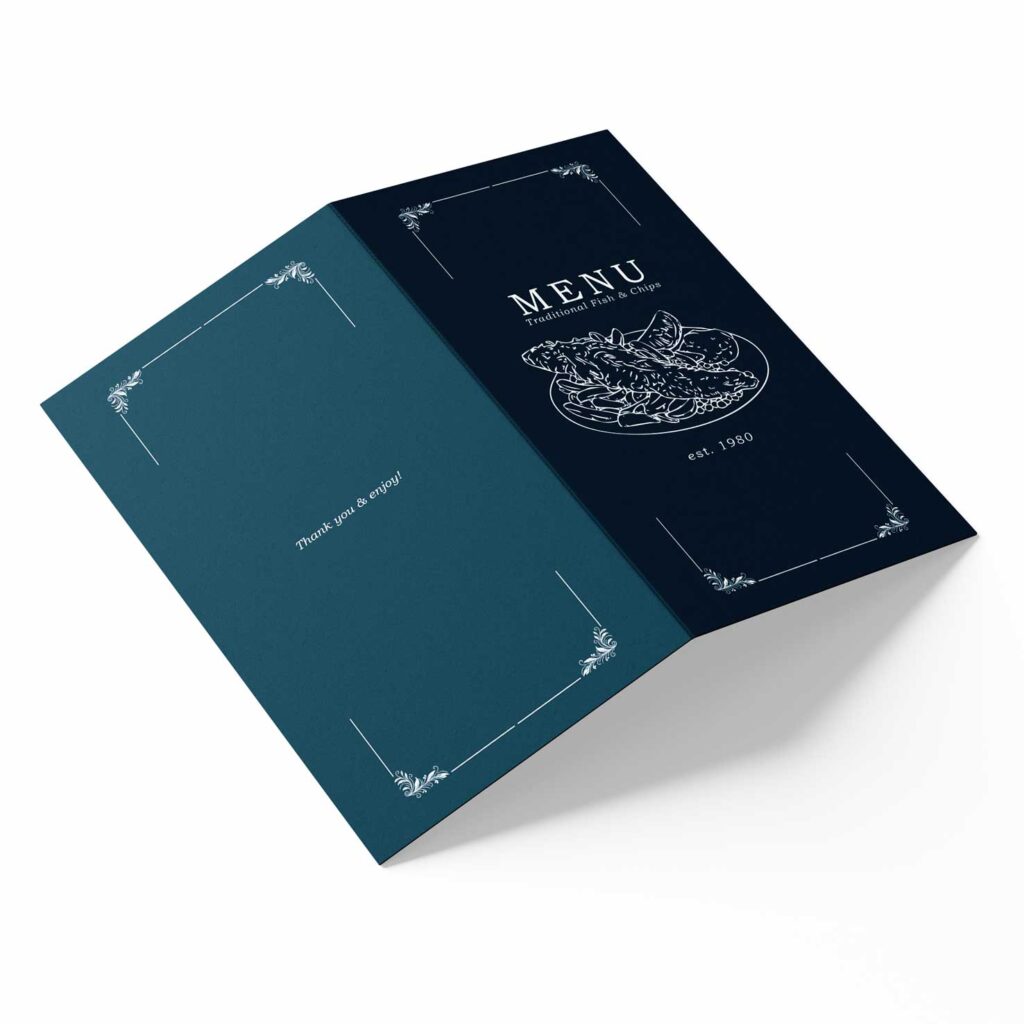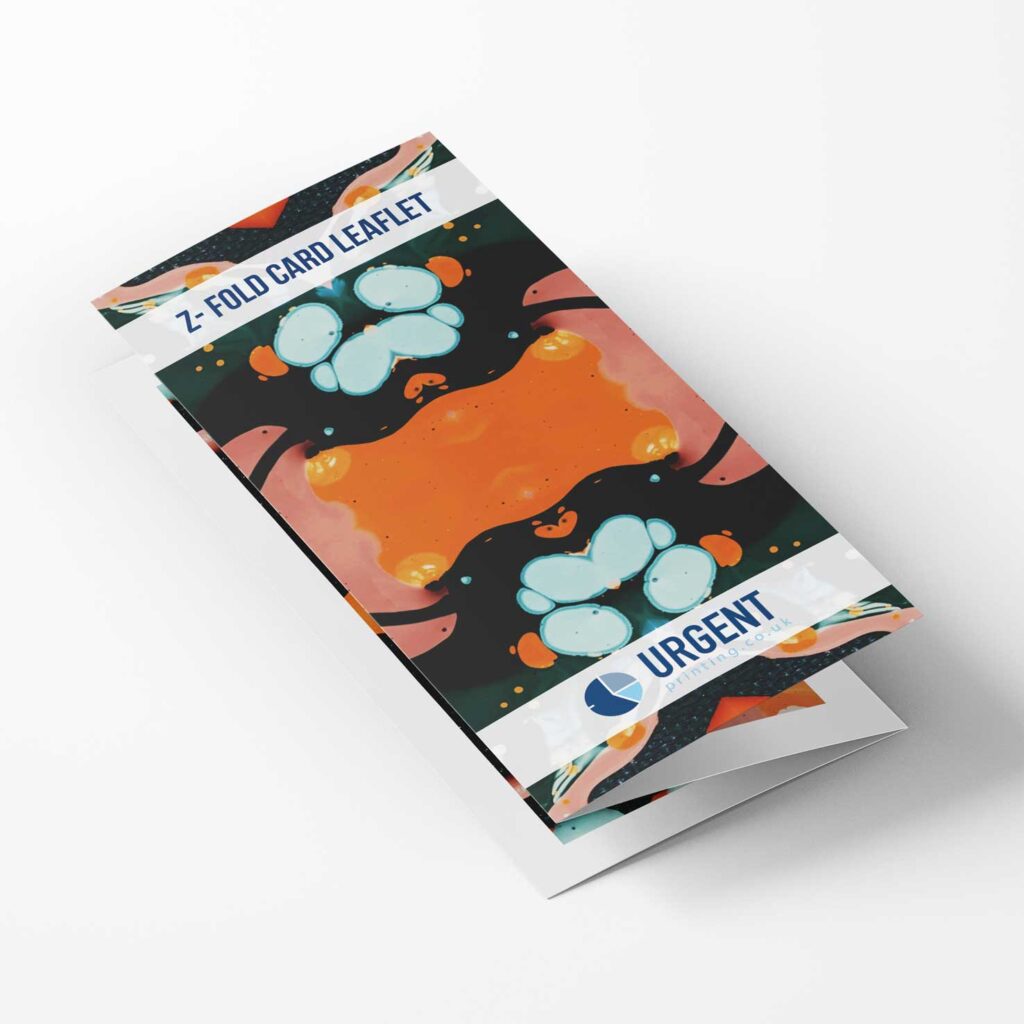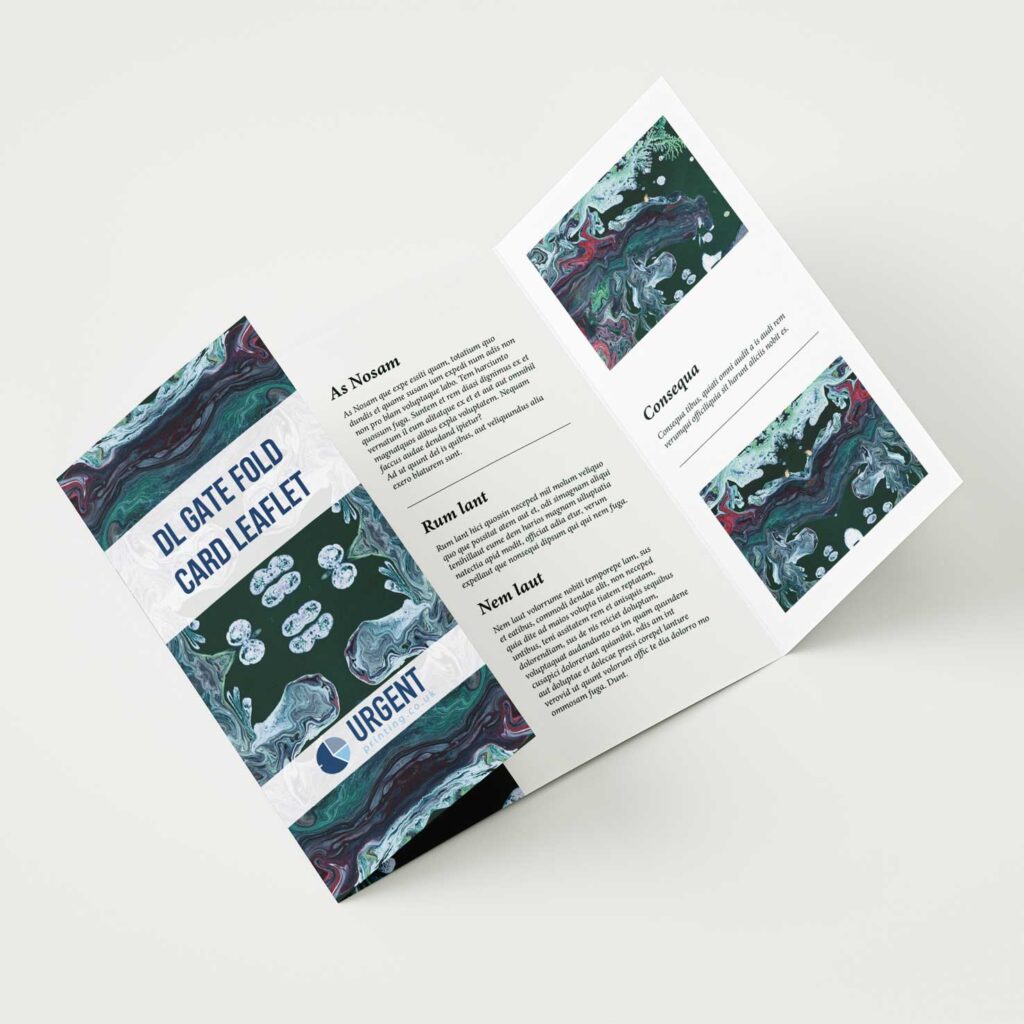
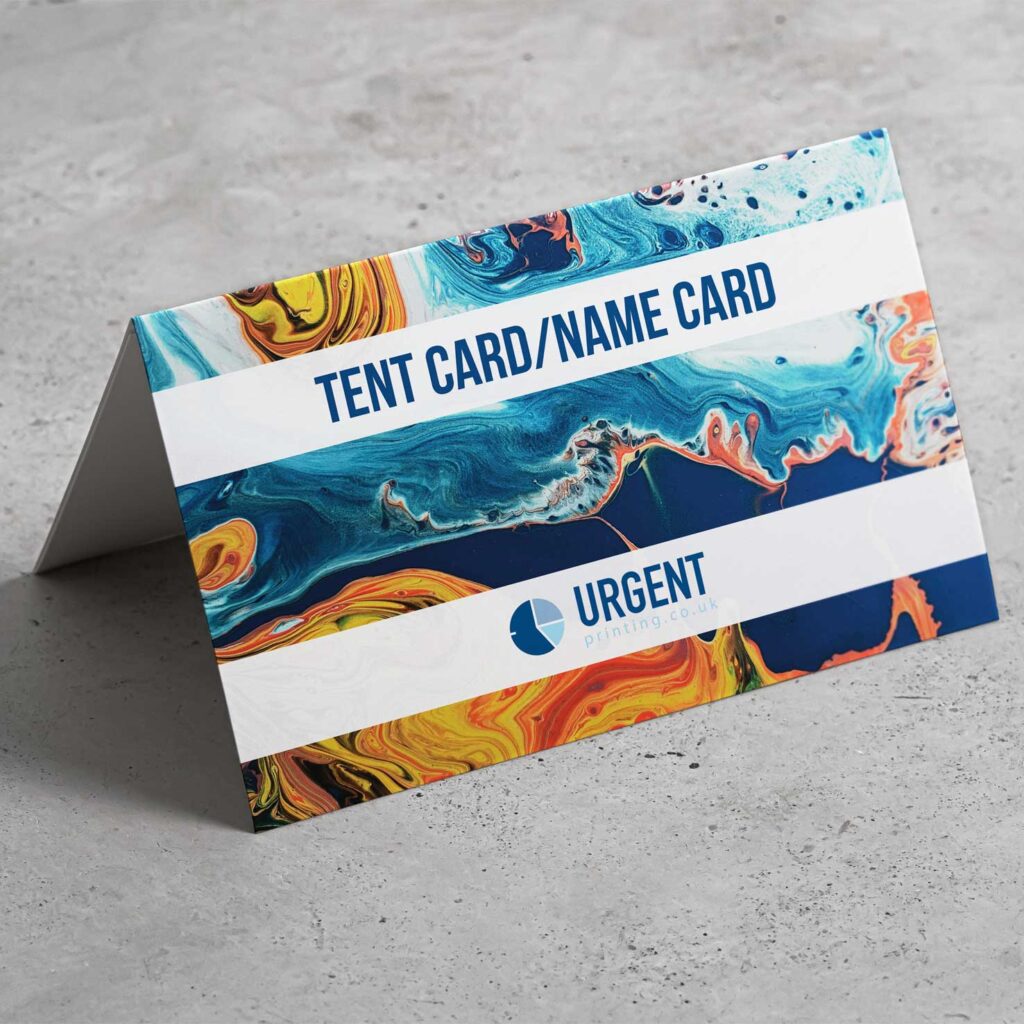
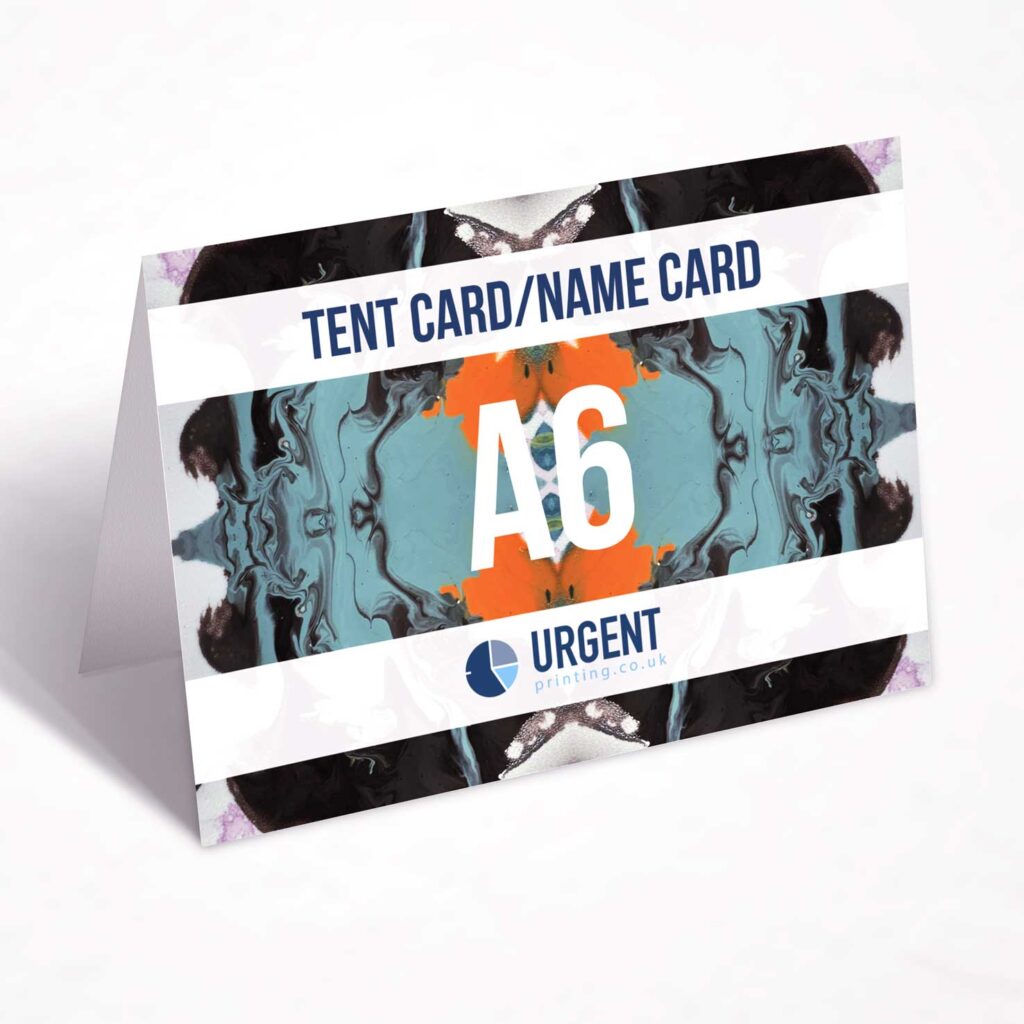
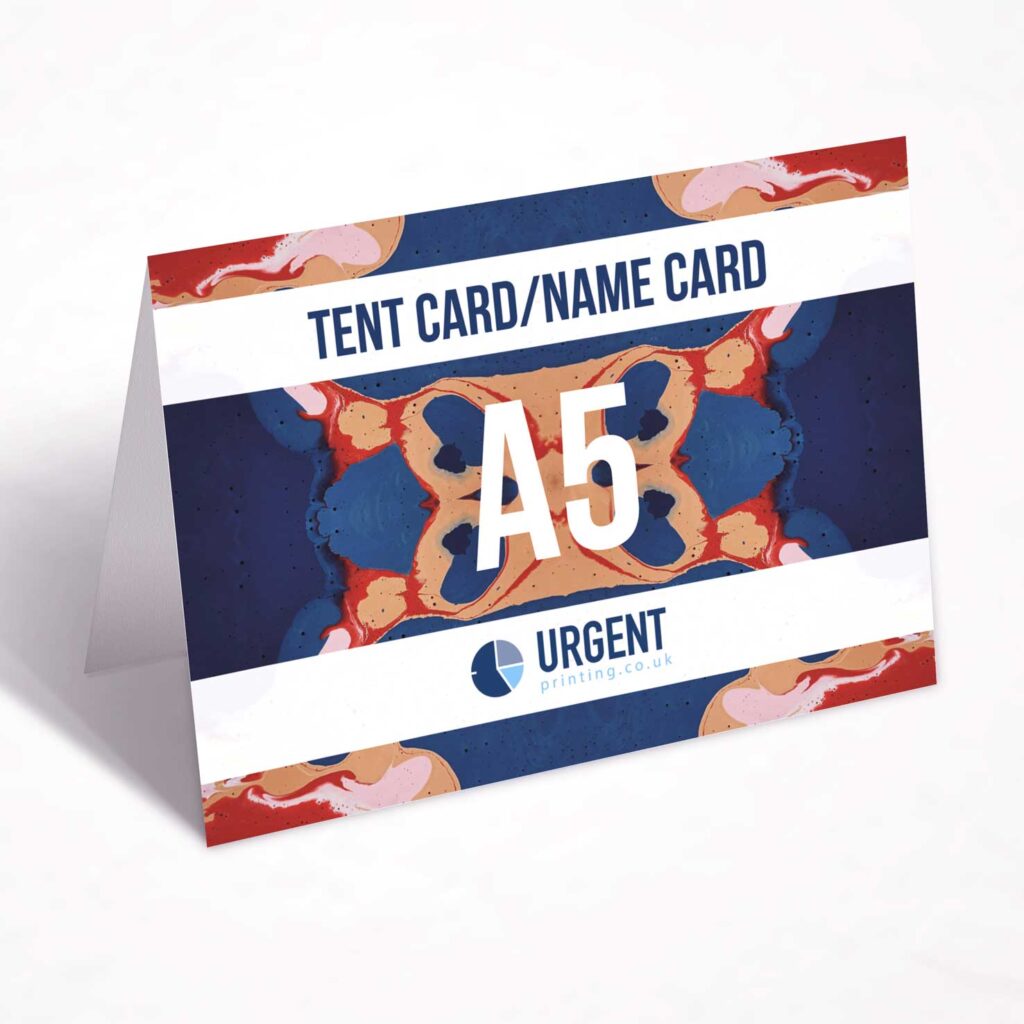
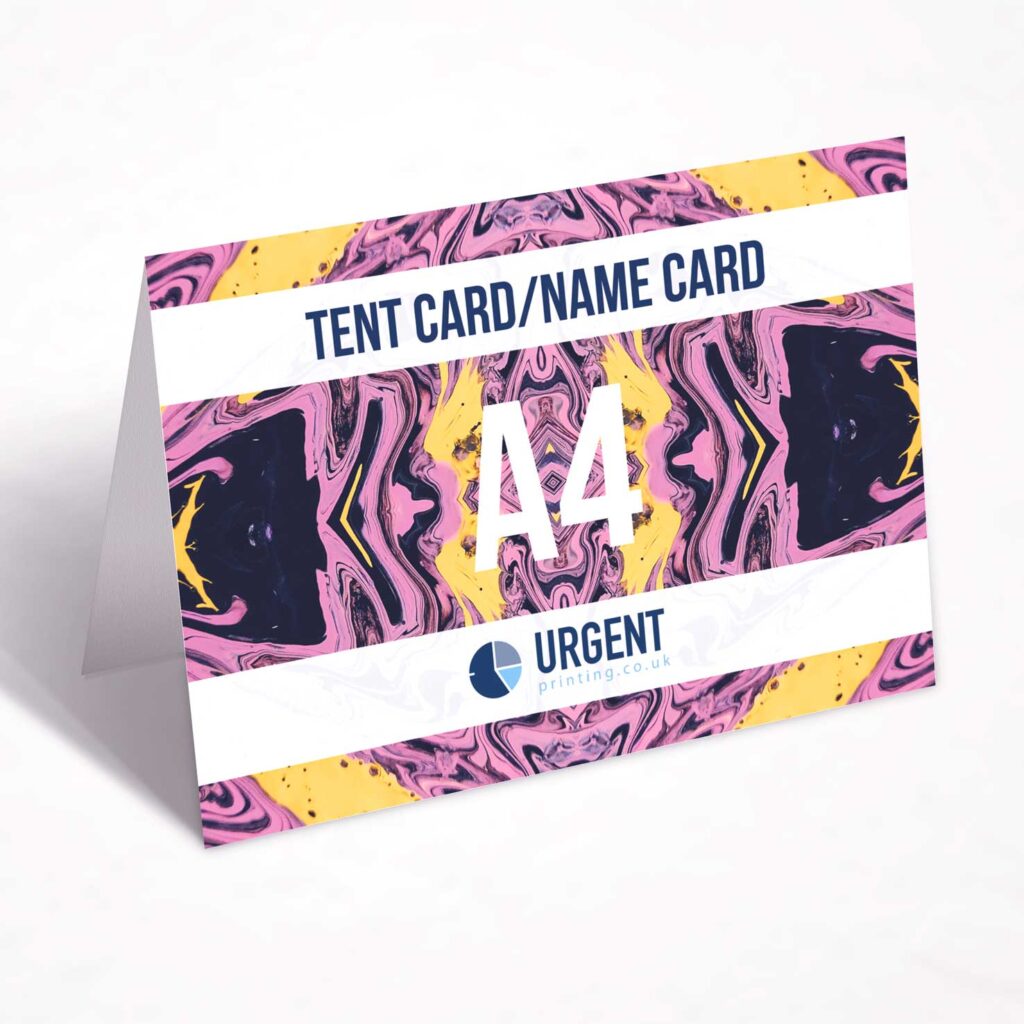
Name cards are small, free-standing cards that are folded and designed to stand upright, typically in the shape of a triangle. They are commonly used for tabletop displays to convey information or promotional messages in a concise and visually appealing way. Printed on high quality card stock, tent cards combine durability with vibrant, high-resolution printing for a sleek, professional addition to your event or space.
Features of Tent Cards:
- Double-Sided Visibility: Name cards are often printed on both sides, allowing content to be visible from multiple angles. This makes them highly effective in busy environments where viewers may approach from different directions.
- Customisable Design: They can be tailored to suit specific purposes, with options for different sizes, colours, fonts, graphics, and materials.
- Portable and Compact: Their lightweight and foldable nature make them easy to transport, set up, and store, making them a practical choice for events or businesses.
Common Uses:
- Restaurants and Cafes: Name cards are frequently placed on tables to display menu specials, promotions, or featured items. They can also be used to highlight seasonal offerings or upcoming events.
- Events and Conferences: At events, name cards serve as placeholders, schedules, or signage. They can provide attendees with key information such as table numbers, event agendas, or speaker details.
- Retail and Marketing: In stores, name cards are used to announce discounts, new arrivals, or product features. They catch the attention of customers and encourage them to explore offers further.
- Personal or Decorative Use: Name cards are also popular in personal settings, such as weddings or parties, where they may serve as place cards, thank-you notes, or decorative elements.
How to Set Up Bleed in Your File:
- Use Design Software: Programs like Adobe Illustrator, InDesign, or Canva allow you to add bleed areas.
- Extend Design Elements: Stretch your background, colours, or images beyond the trim line into the bleed area.
- Export Correctly: Save your file with bleed settings enabled, usually as a high-resolution PDF, and mark crop lines
Standard Bleed Size: Typically, a bleed area of 3–5 mm around the edges.