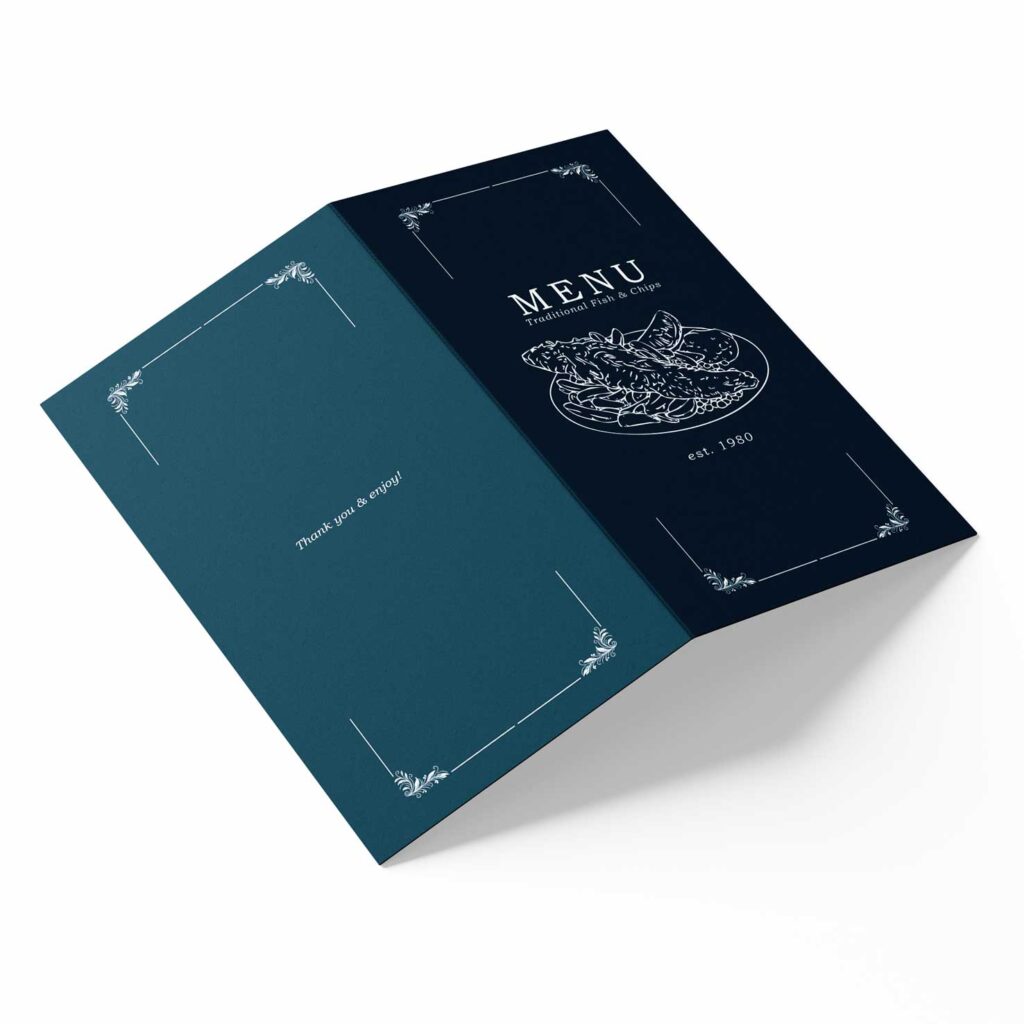
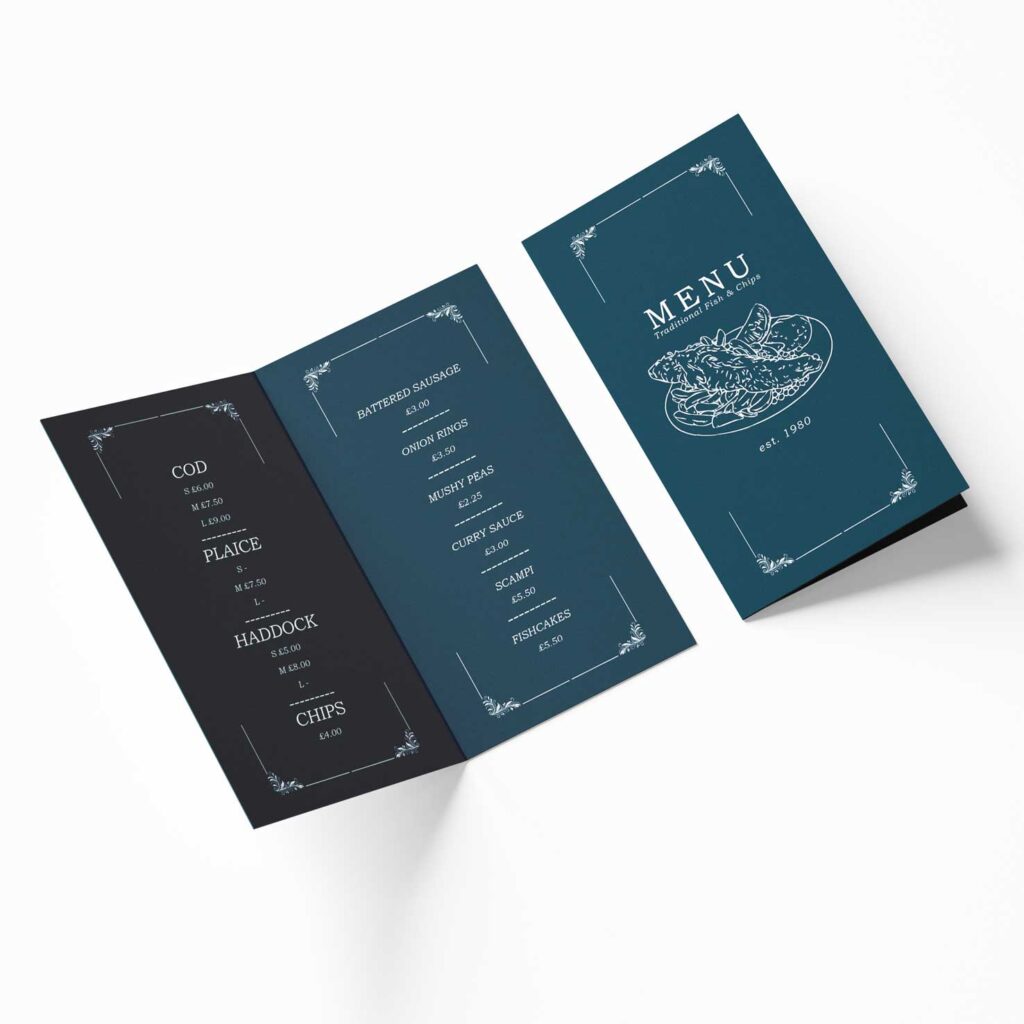
Upgrade your dining experience with our 4-page folded paper menus, designed to be both stylish and practical. Whether you’re running a restaurant, hosting a wedding, or planning an exclusive event, these menus offer the perfect balance of space and convenience for showcasing your selections.
With four structured panels, you have plenty of room for detailed descriptions, featured specials, and branding, all arranged in an easy-to-navigate format. The folded design makes these menus compact while maintaining clarity and elegance, ensuring guests can explore your offerings effortlessly.
Affordable yet premium, our folded paper menus deliver a refined presentation without compromising on durability. Whether showcasing an extensive menu or a curated selection, they help elevate your brand and enhance the guest experience.
Give your menu the attention it deserves with a format that is both functional and eye-catching!
Adding bleed to your artwork
Here’s how to add 3mm bleed for professional printing in InDesign, Photoshop, and Canva:
InDesign
- When creating a new document, set the bleed to 3mm in the New Document window.
- If you’re working on an existing file, go to File > Document Setup, then add 3mm bleed on all sides.
- Extend your background and design elements past the edge to the red bleed line.
- When exporting, go to File > Export (PDF Print) and tick Use Document Bleed Settings under Marks and Bleeds.
Photoshop
- Create your document 6mm larger (3mm bleed on each side). Example: For an A4 (210mm x 297mm) design, set it to 216mm x 303mm.
- Use View > Rulers to drag guides marking the trim size.
- Extend your background and elements past the guides to fill the bleed area.
- Export as PDF, ensuring the bleed is included in the settings.
Canva
- Go to File > View settings, then select Show print bleed—a dashed line will appear near the edges.
- Make sure your background and images extend beyond the bleed line.
- When downloading, choose PDF Print and tick Crop marks and bleed.
Following these steps ensures a flawless, edge-to-edge finish with no unwanted white borders!