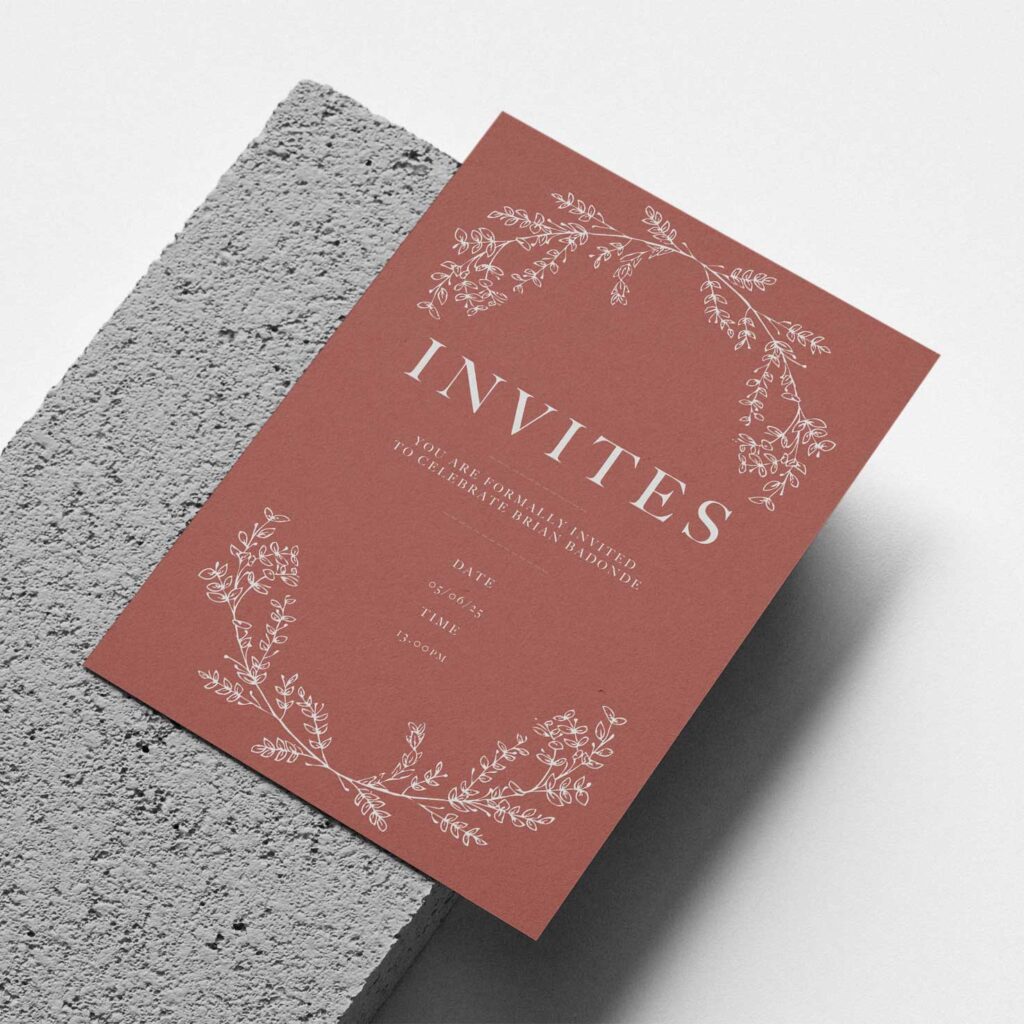
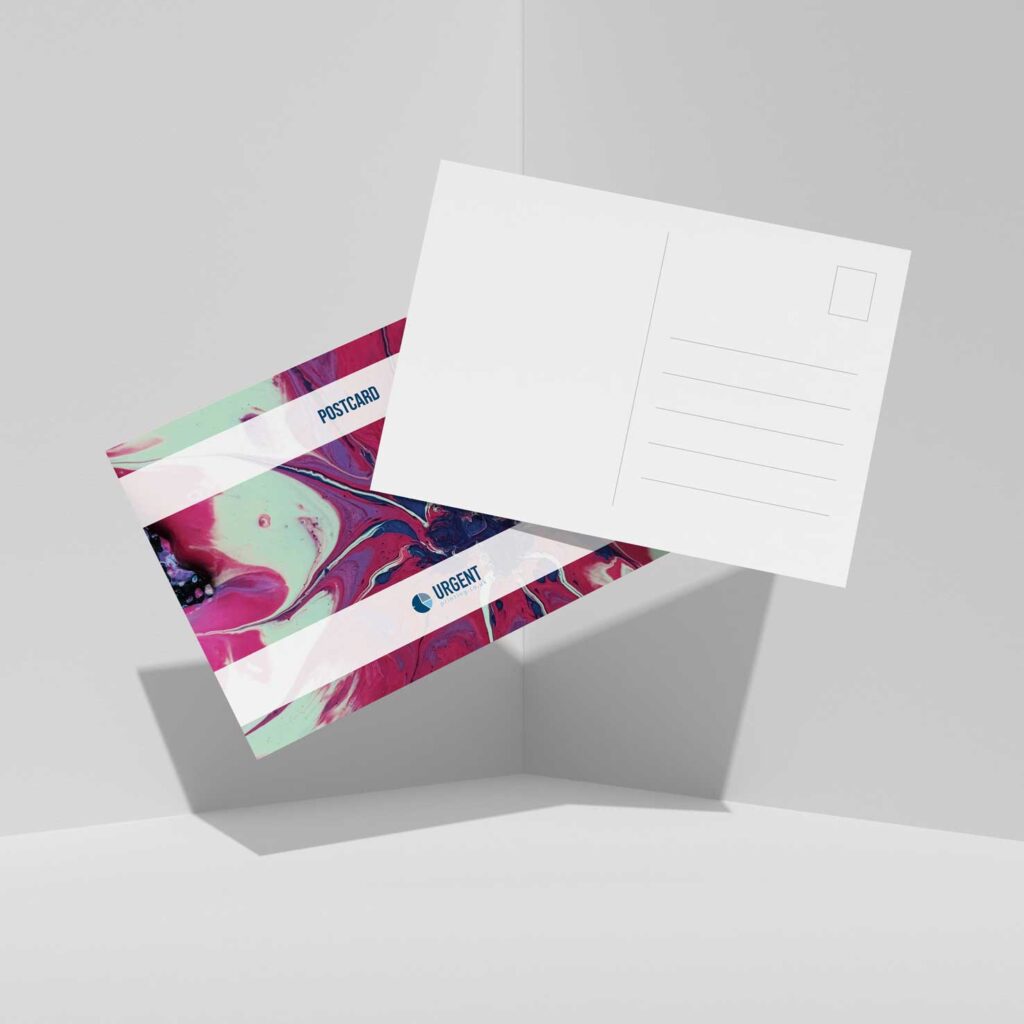
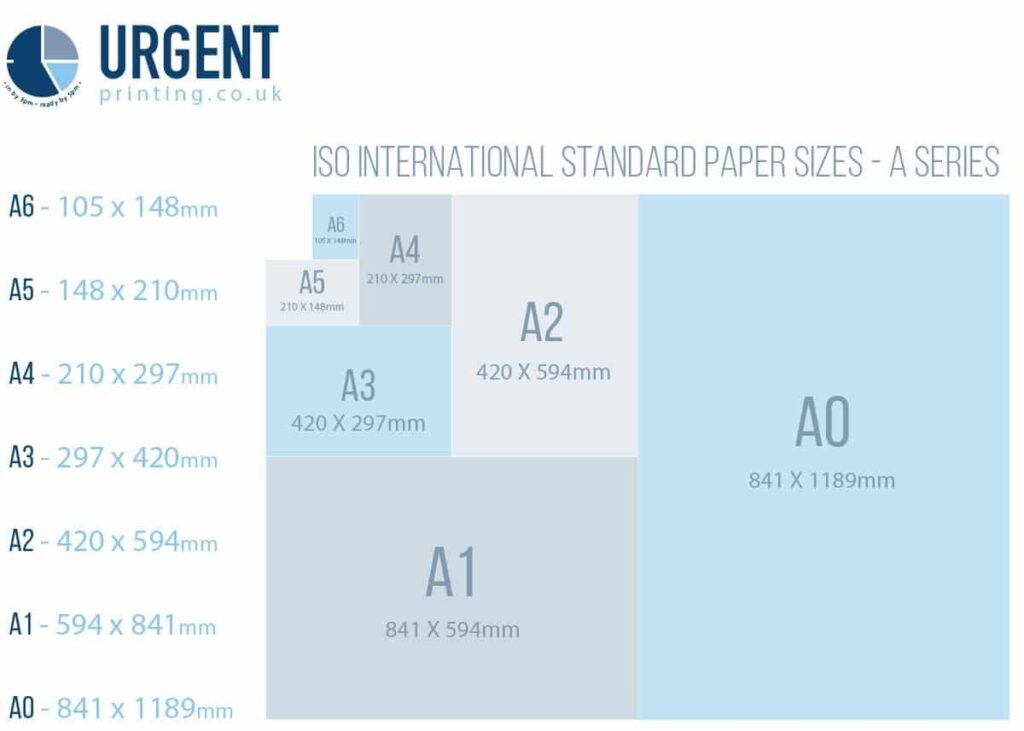
Postcards are small rectangular cards, typically made from sturdy paper or cardstock, used for sending messages without the need for an envelope. They feature a visual design or image on one side, which can range from photographs of landmarks, artistic illustrations, or cultural symbols to humorous graphics. This side is meant to grab attention and reflect the sender’s experiences or interests. The reverse side is designed for practicality, with sections dedicated to writing a personal note and providing the recipient’s address.
Applications
Postcards have historically been associated with travel, offering a way for people to share glimpses of their journeys with loved ones. However, their use extends far beyond this. Some examples of this include:
Marketing: They can be used as part of campaigns to promote events, products, or services.
Collectibles: Highly prized by art and design enthusiasts
Correspondence: Why not exchange a postcard with a penpal?
Home Décor: In a frame or pinned to the wall, postcards are a great alternative to traditional wall art.
Adding Bleed
Adding bleed ensures your design extends beyond the trim line, preventing white edges after printing. Here’s a quick guide:
- Set up your document: When creating a new file, add extra space for the bleed. Typically, 3mm (or 0.125 inches) on each side works well.
- Use guides: Add guidelines to mark the bleed area. This helps you keep important elements within the safe zone.
- Extend your design: Make sure your background or artwork extends into the bleed area but keep text and key visuals inside the trim line.
- Export correctly: Save your file as a PDF, ensuring you include bleed and crop marks in the export settings.
If your postcards are a bespoke size or you require more than 10,000 units, please contact us here with your requirements.